404 Page
Customize the page visitors see when a URL on your site doesn't exist.
TDC Site Builder provides a built-in custom 404 Page Manager. Instead of editing layout templates, you can select prebuilt layouts, customize text and color branding, upload background images, and configure resource directory links.
Overview
The custom 404 page handles all incoming requests that do not match any of your published site routes. You can manage this page by selecting the 404 Page tab in the left sidebar of your Site Management dashboard.
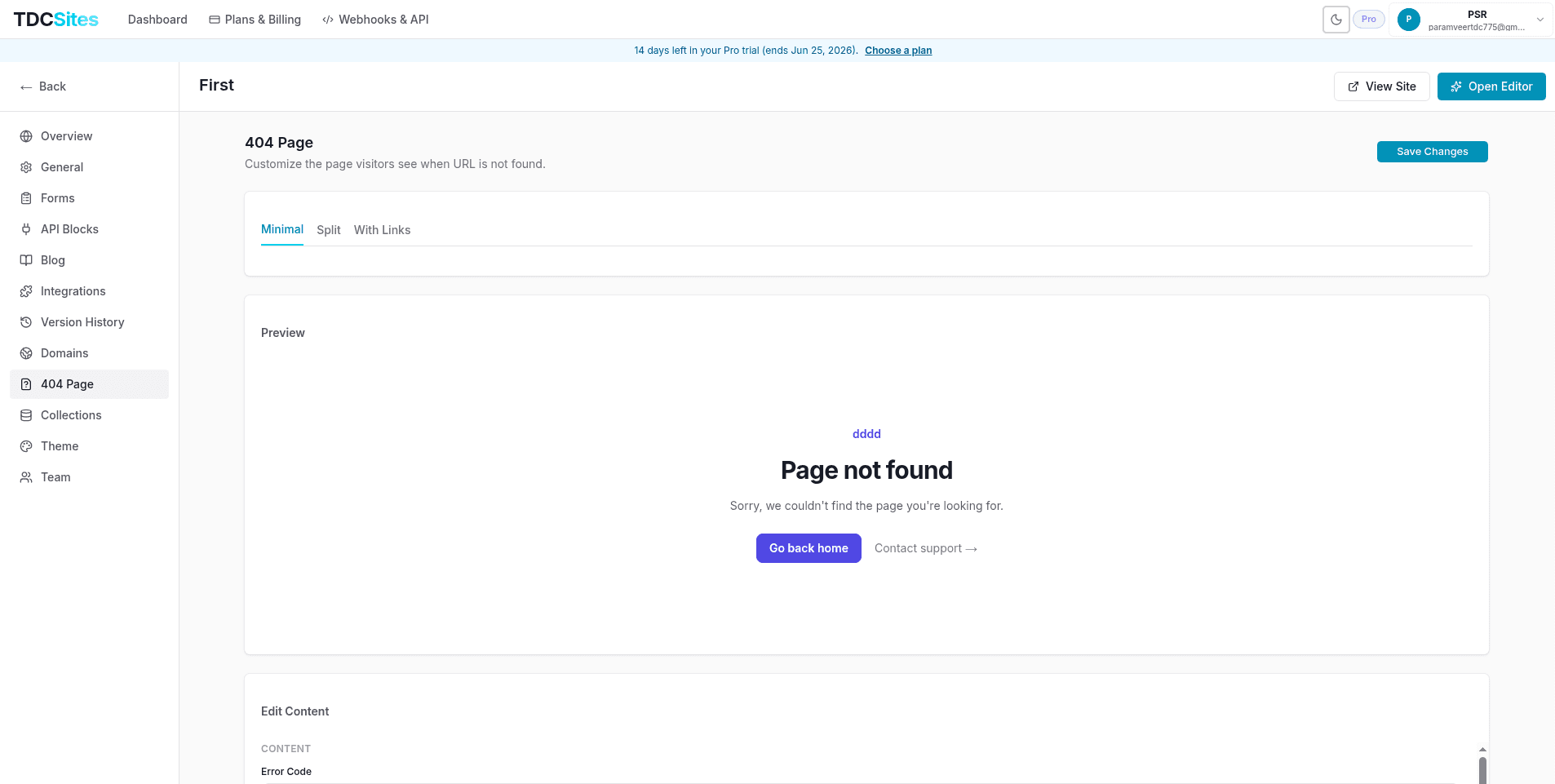
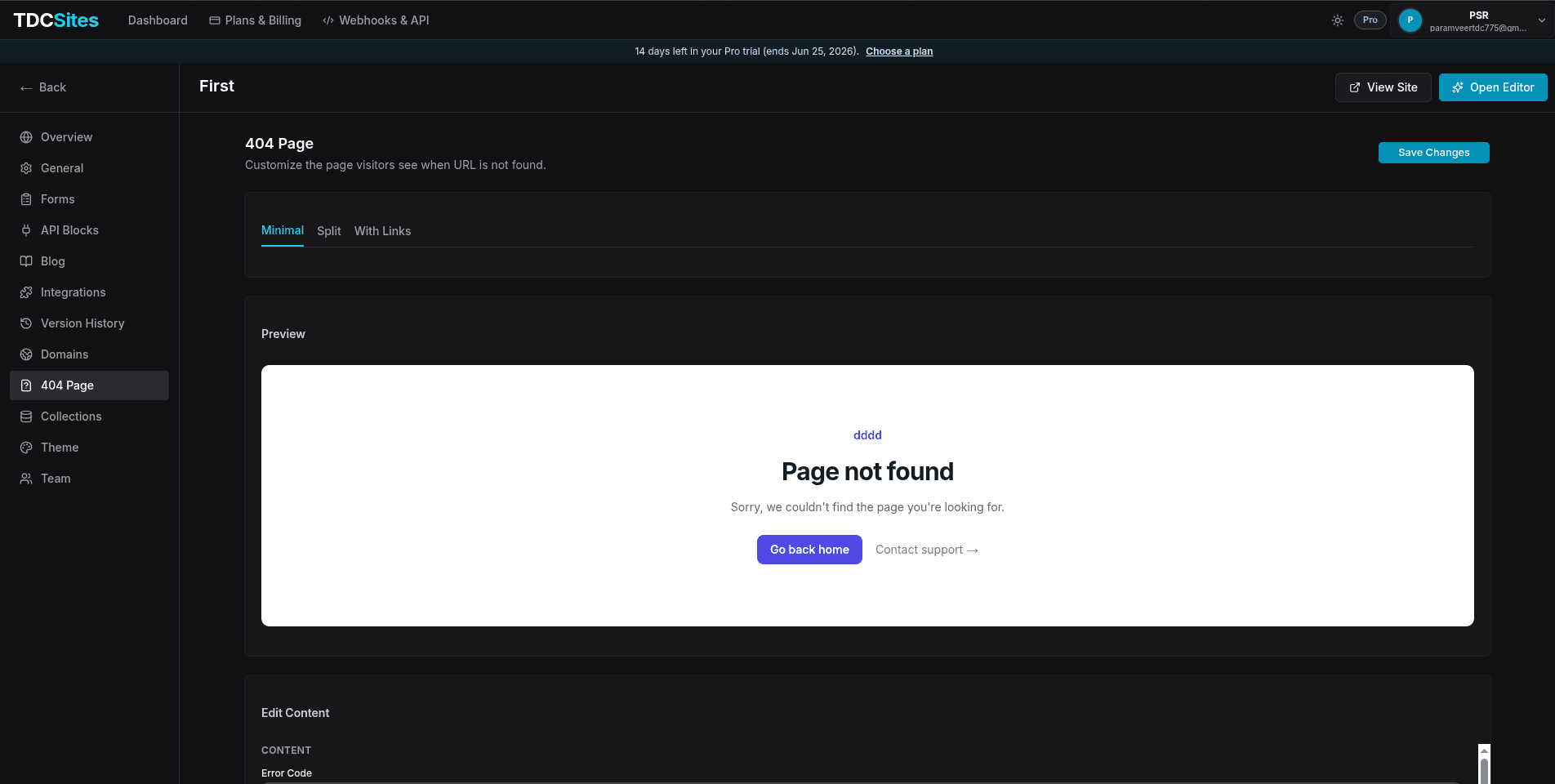
Available Layout Variants
You can choose from three layout variants depending on your design preferences:
1. Minimal
A clean, centered layout featuring bold typography, a primary CTA button, a secondary support link, and custom color overrides.
- Best for: Simple portfolios, landing pages, or minimalist brands.
2. Split
A side-by-side layout containing your text block on the left and a full-height cover graphic or image on the right.
- Best for: Highly visual portfolios, agency sites, or product platforms.
3. With Links
An informative layout that displays a list of resource cards with custom icons to guide lost visitors back to active areas of your site (e.g. blog, documentation, pricing).
- Best for: SaaS platforms, large blogs, or multi-page corporate sites.
Configuring Variant Content
Select a variant to customize its specific content blocks:
- Content: Customize the Error Code (e.g.,
404), Heading (e.g.,Page not found), and descriptive Subtitle. - Primary Button: Configure the main button text (e.g.,
Go back home) and the destination URL path (e.g.,/). - Support Link: Add a secondary anchor text link (e.g.,
Contact support) and destination URL (e.g.,/contact). - Colors: Customize design accents by adjusting the Accent Color, Background Color, and Text Color using the built-in color picker.
- Content & Back Link: Edit the Error Code, Heading, Subtitle, and the text/URL for the return link.
- Image Upload:
- Click Click to upload to select an image from your device.
- Supports PNG, JPG, WEBP, or GIF files up to 8 MB.
- Ingested images can be cleared and replaced by clicking the X overlay button in the image thumbnail.
- Colors: Adjust Accent, Background, and Text colors.
- Content & Back Link: Edit the Error Code, Heading, Subtitle, and the return link text/URL.
- Resource Links:
- Click + Add to append link cards.
- Icon: Choose from a predefined list of interface icons (BookOpen, FileCode, Layers, Rss, FileText, Monitor).
- Title & Description: Provide clear text directions (e.g.,
Read our blog,See latest releases). - URL: Define the route path (e.g.,
/blog). - Click the trash icon next to any resource card to remove it.
- Colors: Adjust Accent, Background, and Text colors.
Deploying Your Custom 404 Page
To publish your customized 404 layout:
- Make your changes in the 404 Page settings form.
- Verify the design on the live preview canvas on the right.
- Click Save Changes at the top right of the dashboard. The new configuration is applied instantly and serves all subsequent unmatched route queries.